Rap video maker · Original AI verse
Rap Maker: Turn Two Photos Into a Rap Video
Add two faces and an optional topic. This rap maker writes an original verse, then animates both people performing it. Preview free, and get the video in about 5–10 minutes.
Rap maker studio
By creating, you confirm you have permission to use both photos.Terms of Service
4 rap duets for $9.90 · or 22 a month on Pro
See pricing- No watermark
- MP4 download
- Failed videos refunded
3 free booth photos per account. The video itself uses credits.
Original AI rap, written fresh for every video. Not affiliated with Migos or COLORS.
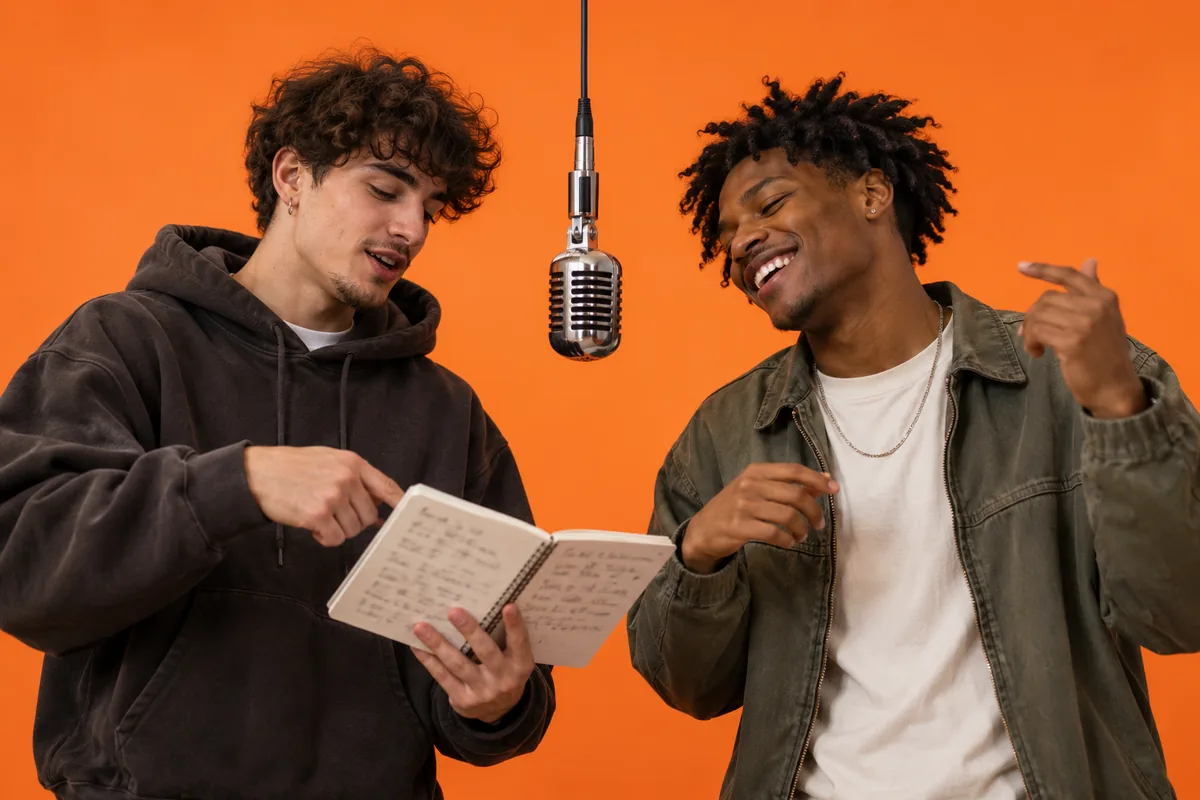
Rap maker example: two friends, one verse
Two AI-generated friends, made with MigosAI from two selfies taken on different days: HD, 10 seconds, 9:16, lead on the left.
No lyrics topic was added, so the AI wrote its default theme: two friends hyping each other up in the booth. The friend on the left carries the words. The one on the right nods, reacts and fills the gaps with gestures.
A rap maker for two people, not a beat lab
Most tools called a rap maker hand you beats, a mic and a timeline, and leave the writing and performing to you. This one starts from faces instead. You bring two photos, the AI writes a short original verse, and both people show up on screen performing it together in a studio set.
That makes it a quick rap video maker for a friend, a sibling, a couple or a parent, with nothing to record. Pick who leads, give the lyrics a topic if you want one, and the rest happens in the browser. The two examples below were made exactly this way, with AI-generated people.
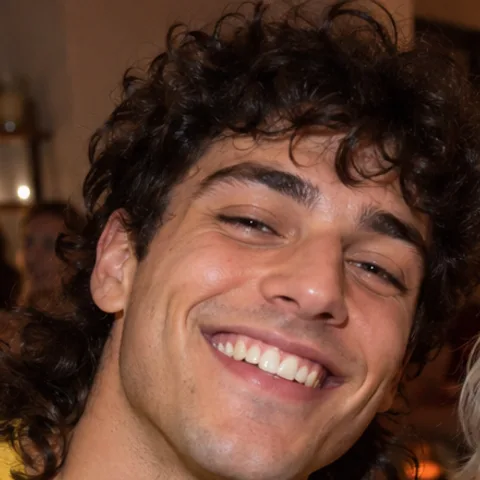
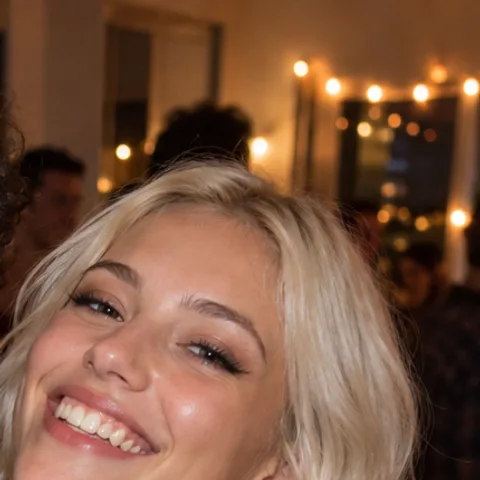
Roommates from one party photo
Inputs: one apartment party photo with a crop frame over each face. Settings: HD, 8 seconds, 9:16, lead on the right.
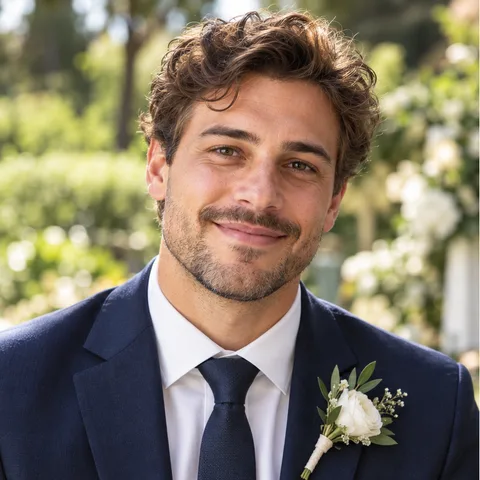
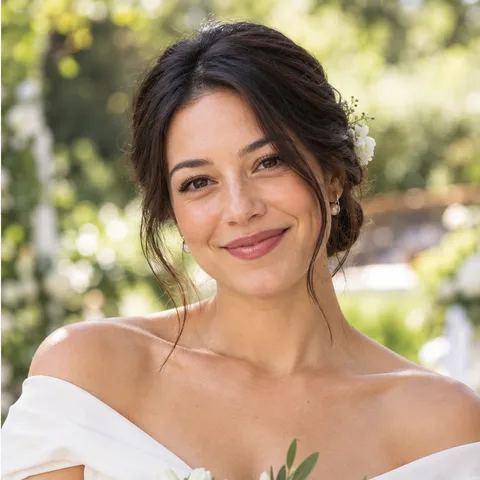
A couple on their own backdrop
Inputs: two wedding photos. Settings: HD, 10 seconds, 1:1, background taken from the lead's photo.
How to make a rap in three steps
This rap maker needs two clear faces and a phone or computer browser. Sign in with Google and you are ready.
Add the two performers
Upload two front-facing photos, one per person. Only have a group shot? Turn on the group photo option and drag a frame over each face.
Shape the verse
Type a lyrics topic, like a birthday, a road trip or an inside joke, and pick quality, length and format. Leave the topic empty for a general hype verse.
Preview, then render
Make a free booth photo to check faces and framing. When it looks right, generate the video and download the MP4.
What you control in the rap maker
Every setting is optional except the two faces. Here is what each one changes in the finished clip.
Who leads the verse
The lead performer gets the closest lip sync. The second performer backs them up with ad-libs and gestures. Put the lead on the left or the right.
What the lyrics are about
A lyrics topic under 80 characters steers the original verse. Add a short note for each performer, like "confident, points at the camera", to steer how they move.
Quality, length and shape
Standard renders at up to 720p for 1 credit per second, HD at up to 1080p for 2 credits per second. Choose 5, 8 or 10 seconds and 9:16, 1:1 or 16:9 at the same price.
Where they perform
Keep the orange studio with its hanging mic, or use the background from the lead's photo so the duo raps in a place you recognize.
Four ways to use a rap video maker
A birthday shout-out
Set the topic to the birthday person's name and send a 9:16 clip to the group chat before the cake comes out.
Friends roasting each other
Turn a running joke into a verse. Keep it friendly, and only use photos of people who are in on it.
Family from old photos
Grandparents, a parent and a kid, siblings who live far apart. Two album photos are enough for a clip that gets replayed.
A teaser for your channel
Post a 1:1 version to your feed or a 16:9 cut for YouTube. The verse is original AI rap, and the videos you make are yours to post.
Is the rap maker free? What a video costs
Booth photos are free, 3 per account, and a failed one does not count. Videos cost credits by quality and length: a 5-second Standard clip is 5 credits, a 10-second Standard clip is 10 credits, and a 10-second HD clip is 20 credits. The Duo Pack gives you 40 credits for $9.90, packs never expire, and a failed render refunds its credits automatically. Our merchant of record at checkout (Waffo Pancake or Creem) resells the service and handles tax and invoicing. See every pack and monthly plan
Rap maker FAQ
Information checked October 3, 2026.
What does this rap maker actually make?
A short video, 5 to 10 seconds long, of two people performing a rap duet. The AI writes an original verse, turns it into an audio track, animates both faces from your photos and syncs the lead's lips to the words. You download it as an MP4 with no watermark.
Can I make a rap for free?
You can preview it for free: each account gets 3 booth photos that show your duo on stage. The video itself costs credits, starting at 5 credits for 5 seconds on Standard, and the exact cost shows before you render.
Do I need to write the lyrics?
No. The AI writes a new verse for every video. Add a lyrics topic under 80 characters if you want it to be about something specific; leave it empty and you get a general hype verse.
Can I use one photo with both people in it?
Yes. Switch to the group photo option and drag one frame over each face. The first frame is the lead. Crop tightly, because a face that is tiny in the original gives a weaker result.
How long does the rap video take?
Usually about 5–10 minutes. The finished video also lands in My Videos, where it stays for 30 days.
Can I use someone's photo without asking?
No. You need permission from both people in the photos, friends and family included.
Does the rap copy a real rapper's voice or song?
No. The verse and the audio track are generated new for each video. No existing recording is used, and the voice is not modeled on any real artist.
More ways to make a rap duet
AI rap generator
A new AI verse on a beat, performed by two people from your photos.
AI rap lyrics generator
Free tool: a topic and a vibe in, 8 or 16 bars of original rap out, ready to copy.
AI rapper
Your face on the lead mic, rapping a new verse while a friend backs you up.
Diss track generator
A friendly roast rap video: one friend delivers the burn, the other takes it.
Rap battle generator
Two friends face off at one mic, with an original verse written by AI.
Funny birthday video
A short surprise clip that puts the birthday person on stage in a rap duet.
Birthday rap song
An original verse about the birthday person, performed on video by two people.
Hotel Lobby AI video generator
The orange-studio duet trend, with photo tips and settings to copy.
Migos AI video generator
The main studio page, with every option explained and more examples.
Try the rap maker with two photos
Two photos, a free booth preview, then a finished clip in about 5–10 minutes.
Start with two photos3 free booth photos per account · Videos use credits