AI rap song generator · Two performers
AI Rap Generator That Puts Your Duo on the Mic
Most tools stop at text or a looping beat. This AI rap generator writes a fresh verse, sets it to a backing track and animates two people from your photos rapping it, in a clip you can post.
AI rap generator studio
By creating, you confirm you have permission to use both photos.Terms of Service
4 rap duets for $9.90 · or 22 a month on Pro
See pricing- No watermark
- MP4 download
- Failed videos refunded
Preview the stage with 3 free booth photos per account. Rendering the video uses credits.
Every verse is new AI rap, never a copy of an existing song. Not affiliated with Migos or COLORS.
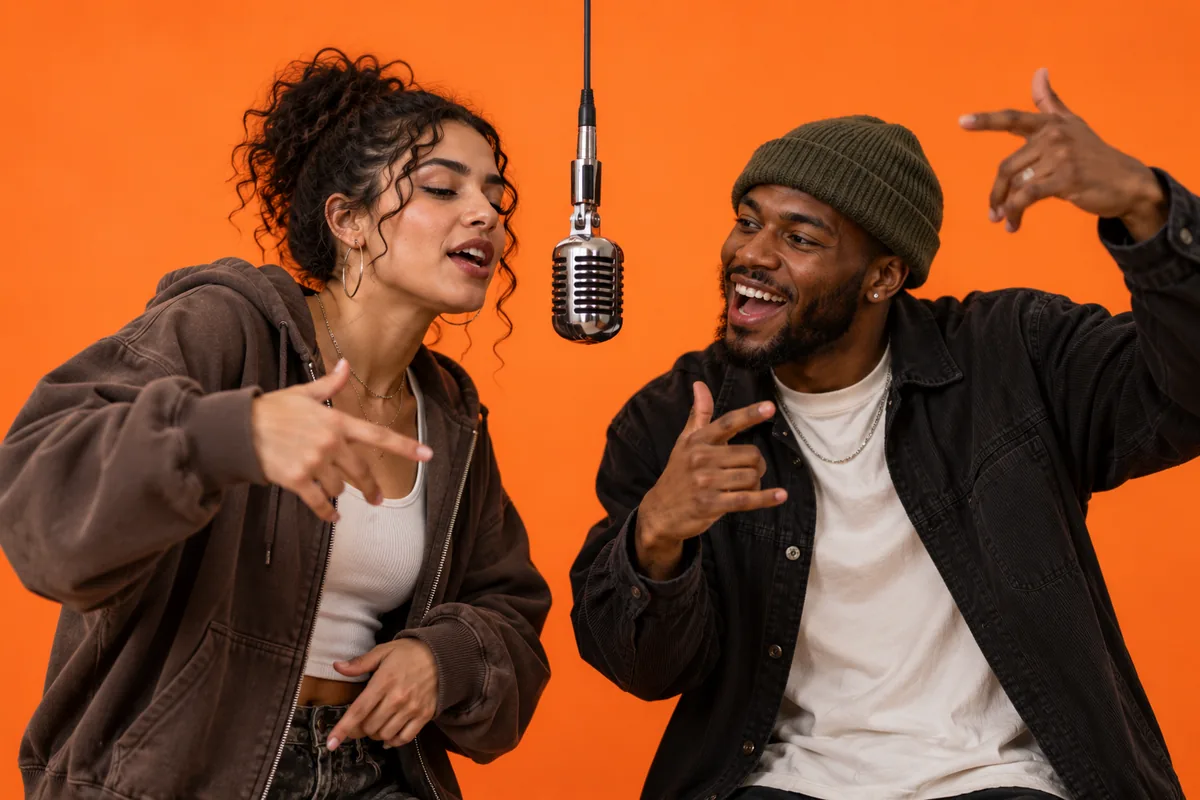
AI rap generator example: roommates on one mic
Two AI-generated roommates, made with MigosAI from a single party photo cropped into two frames: HD, 8 seconds, 9:16, lead on the right.
We left the lyrics topic blank, so the generator used its built-in theme about two friends hyping each other up in the booth. The roommate on the right raps the lines with the tightest lip sync; the one on the left backs them up with reactions and gestures on the beat.
An AI rap song generator with performers, not just text
Search for a rap generator and you mostly find two kinds of tools: ones that print lyrics on a screen, and ones that loop a beat under a flat synthetic voice. Neither gives you anything worth sending to a friend. Here the result is a finished clip: a new verse, a backing track, and two familiar faces from your camera roll delivering it.
That is the gap between generating a rap and generating a moment people replay. The friends and grandparents below were made with the same settings you get, and every person shown is AI-generated, so no real customer's photo is on display. Choose a theme, choose who raps first, and the writing, the voice and the animation are handled for you.
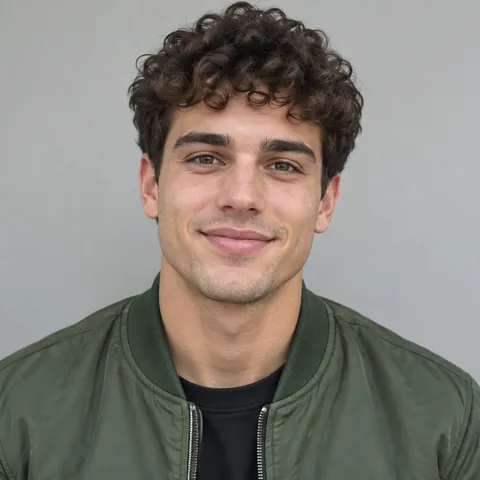
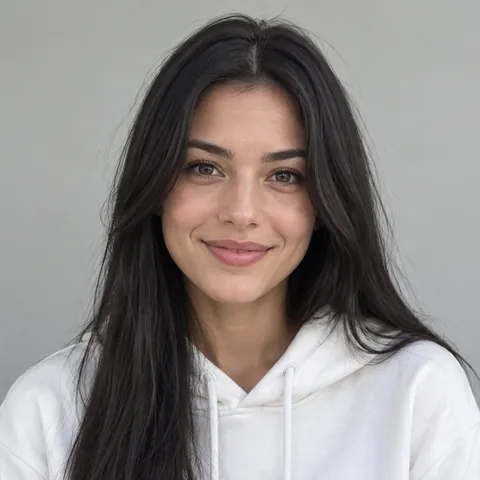
Two friends, selfies from different days
Inputs: two selfies taken on different days, no lyrics topic. Settings: HD, 10 seconds, 9:16, lead on the left.
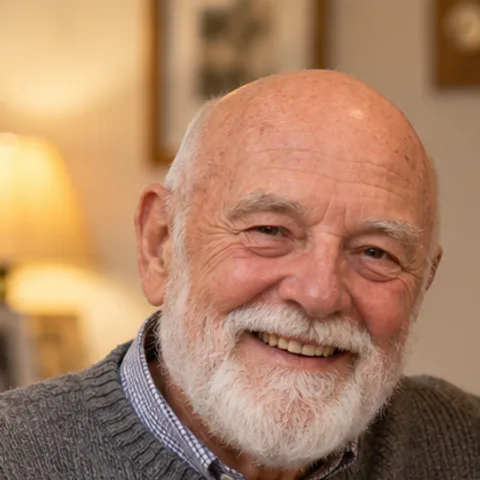
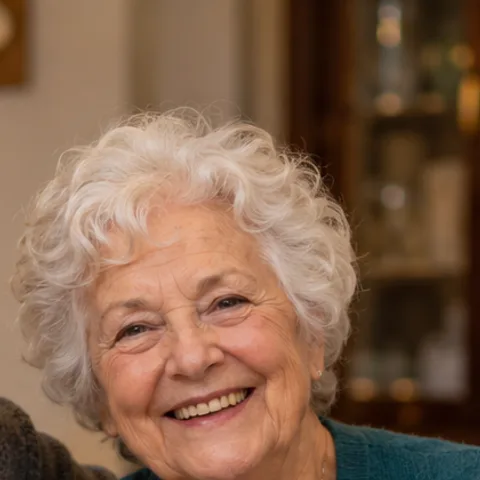
Grandparents celebrating fifty years
Inputs: one family dinner photo cropped into two frames. Settings: Standard, 8 seconds, 1:1, lyrics topic "our 50th anniversary".
How to use the AI rap generator in three steps
You need two faces and a browser on a phone or laptop. Sign in so your previews and videos are saved to your account.
Choose the two rappers
Upload one clear, front-facing photo per person. Only have a shot of both together? Use the group photo option and drag a frame over each face.
Give the rap a subject
Write a lyrics topic in a few words, such as a promotion, a move or a team win, then set quality, length and format. No topic means a general hype verse.
Check the stage, then generate
A free booth photo shows how the pair will be framed. Happy with it? Generate, and the MP4 is usually ready in about 5–10 minutes.
Settings the AI rap generator gives you
Only the two faces are required. Each option below changes something you will see or hear in the finished clip.
Lead and second performer
The lead raps the verse and gets the most accurate lip sync, while the second performer supports with ad-libs and gestures. Place the lead on either side of the frame.
Topic and stage directions
A lyrics topic of up to 80 characters steers what the verse is about. An optional note for each performer, like "grins and shrugs", shapes their body language.
Resolution, length and format
Standard goes up to 720p at 1 credit per second; HD goes up to 1080p at 2 credits per second. Pick 5, 8 or 10 seconds in 9:16, 1:1 or 16:9, which all cost the same.
Studio or your own backdrop
Keep the orange studio with the hanging mic, or pull the background from the lead's photo so the rap happens somewhere the viewers recognize.
Four ways to use a rap song generator
Congratulate someone
A new job, a finished degree, a first apartment. Put the achievement in the topic and post the clip wherever the cheering happens.
Share news as a duo
Couples and roommates can announce a move, a trip or an engagement with a verse instead of a plain text message.
Liven up a team channel
Two coworkers who are happy to take part, a topic about the big launch, and a 16:9 version for the next all-hands meeting.
Hear a theme as rap
Curious how an idea sounds in bars? A 5-second Standard clip is the cheapest way to hear the AI's take before you go longer.
AI rap generator pricing: preview free, pay per clip
Previewing costs nothing: you get 3 booth photos per account, and a failed one is not counted. Rendering is priced in credits by quality and length, for example 5 credits for 5 seconds on Standard, 8 credits for 8 seconds on Standard and 20 credits for 10 seconds in HD. The Duo Pack is 40 credits for $9.90, pack credits do not expire, and if a render fails the credits return to your balance automatically. Checkout runs through our merchant of record (Waffo Pancake or Creem), which resells the service and takes care of tax and invoices. Compare packs and monthly plans
AI rap generator FAQ
Information checked October 3, 2026.
Is the rap really written by AI?
Yes. Every time you generate, a language model writes a short new verse from your topic, or from a default theme if you leave it empty. It is told not to quote or imitate existing songs, and the verse passes a content check before it is turned into audio.
Does it make a full-length song?
No. It makes clips of 5, 8 or 10 seconds, which fit a verse of a few lines. That length is built for group chats and social feeds, not for a three-minute track.
Can I type the exact lyrics myself?
Not for the video. You give a topic of up to 80 characters and the AI writes the verse around it. If you want longer bars to read or share as text, try our free rap lyrics tool.
Can I try the AI rap generator for free?
You can preview for free with 3 booth photos per account. The video itself uses credits, starting at 5 credits for a 5-second Standard clip, and you see the exact price before you confirm.
How long does a clip take?
Usually about 5–10 minutes from the moment you press Generate. The finished clip is also saved in My Videos for 30 days.
Whose photos can I use?
Your own, or photos of people who have agreed to it. Both performers need to give permission, friends and family included.
Is there a watermark on the video?
No. Videos you render with credits download as MP4 files without a watermark.
Other ways to make rap with two photos
Rap maker
Two photos in, a short rap video out, with a verse the AI writes for you.
AI rap lyrics generator
Free tool: a topic and a vibe in, 8 or 16 bars of original rap out, ready to copy.
AI rapper
Your face on the lead mic, rapping a new verse while a friend backs you up.
Diss track generator
A friendly roast rap video: one friend delivers the burn, the other takes it.
Rap battle generator
Two friends face off at one mic, with an original verse written by AI.
Funny birthday video
A short surprise clip that puts the birthday person on stage in a rap duet.
Birthday rap song
An original verse about the birthday person, performed on video by two people.
The Hotel Lobby rap trend
Where the orange-studio duet came from, with tips for photos and settings.
Migos AI video generator
The main page, with the full studio, every setting explained and more examples.
Generate your first AI rap
Two photos and an optional topic. Preview the stage for free, then get your clip in about 5–10 minutes.
Add two photosFree: 3 booth photos per account · Each video costs credits