Free tool · No sign-up to start
AI Rap Lyrics Generator: Original Bars on Any Topic
Tell this AI rap lyrics generator what the song is about, add up to two names and choose a vibe. You get 8 or 16 original bars as plain text, ready to paste into a caption, a card or your notes.
Lyrics are free with a daily limit, and signing in raises it. Rap videos are a separate step that uses credits.
Every verse is written fresh and kept clean. Not affiliated with Migos or COLORS.
Example: a short verse performed by two friends
Two AI-generated friends, made with MigosAI from two selfies: HD, 10 seconds, 9:16, lead on the left, no lyrics topic.
This is what the Studio further down the page makes. With no topic given, the AI wrote a few lines about two friends hyping each other up in the booth, produced the track and animated both faces. The lyrics tool at the top works on its own and writes longer verses for you to read and copy.
A rap lyrics generator for toasts, captions and cards
Writing rhymes on demand is hard when the party is tonight. Give the tool a subject, like a coworker's last day or a sister's graduation, and it returns punchy lines that stay on topic, rhyme with their neighbors and never quote real songs. Read them out at a toast, paste them under a photo, or write them inside a card.
Want the topic performed instead of read? The Studio at the bottom of this page picks it up, but be clear on one point: the video does not rap your text word for word. It takes your topic, up to 80 characters, and writes a new verse of a few lines that fits a 5 to 10 second clip. The two examples below were made that way, with AI-generated people.
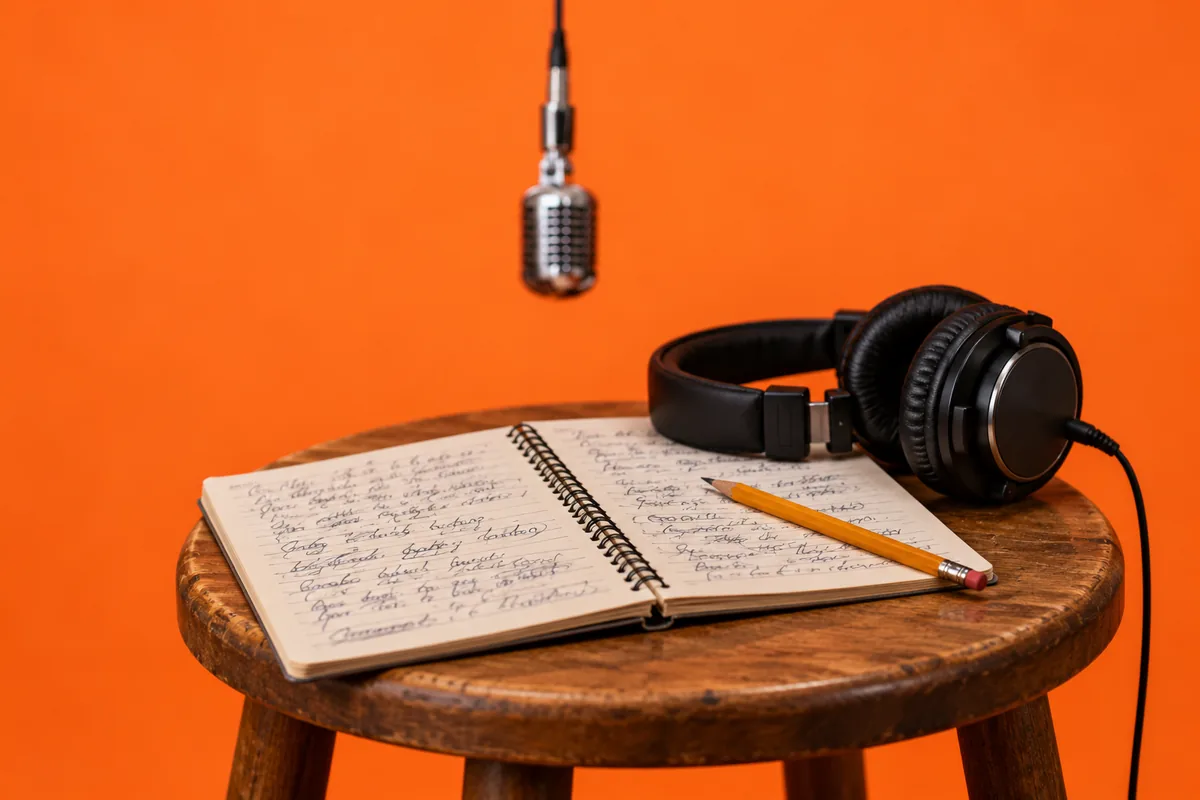
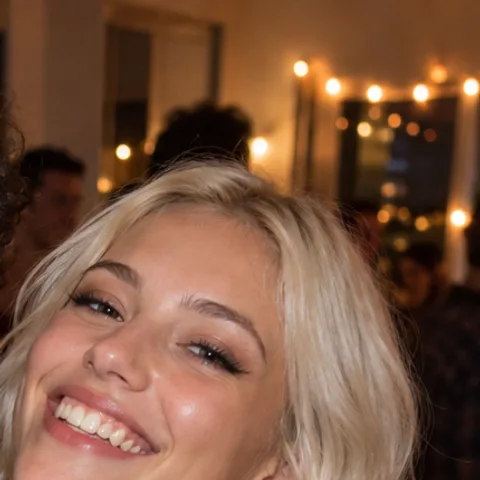
Roommates, no topic at all
Inputs: one party photo with a frame over each face, no lyrics topic. Settings: HD, 8 seconds, 9:16, lead on the right.
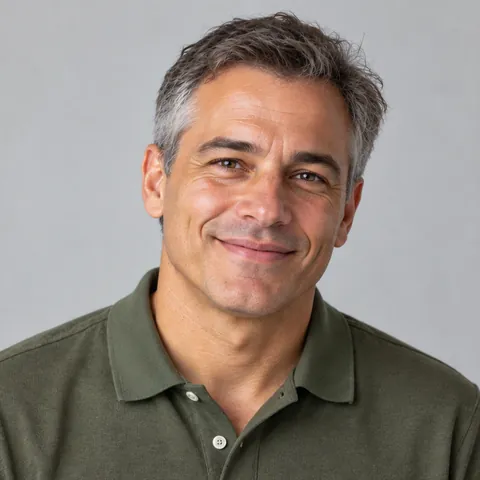
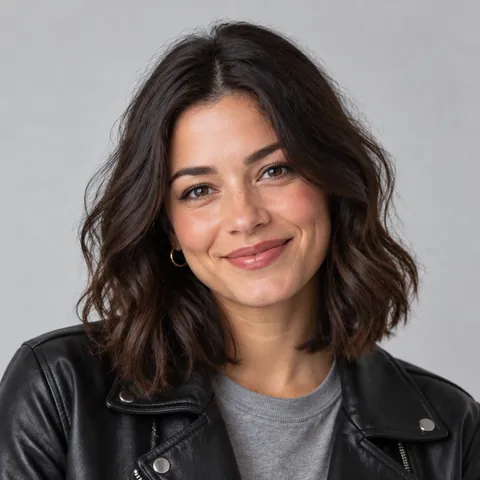
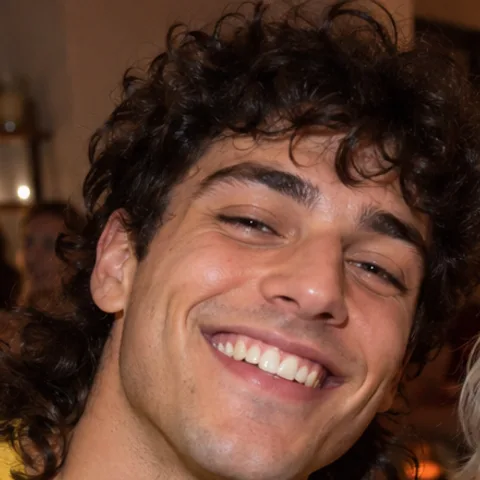
Four words: road trips with dad
Inputs: two portraits. Settings: HD, 10 seconds, 9:16, lyrics topic "road trips with dad", dad as lead.
How to use the AI rap lyrics generator in three steps
No account is needed to try it. Everything happens in the box at the top of this page.
Describe the moment
Write a topic between 3 and 200 characters. Specific works better than vague: "Jordan burns the toast every Sunday" gives the AI more to rhyme with than "breakfast". Add up to two names to shout out.
Set the vibe and the length
Pick Funny, Hype, Sweet or Roast, then Short for 8 bars or Full for 16. Not happy with the result? Press the button again for a new version.
Copy it or perform it
Copy the lyrics with one tap. Or press "Turn this into a rap duet video" to send your topic to the Studio below, add two photos and generate.
Four inputs that shape your rap lyrics
None of them need rap experience. Here is what each one changes in the bars you get back.
Topic
The subject of the verse, up to 200 characters. The AI treats it as a theme, not as instructions, and does not invent facts you did not give it, such as ages, dates or places.
Names
Up to two names, 30 characters each. The AI works them into the lines as the people the song is for.
Vibe
Funny goes for wordplay and light jokes, Hype for big confident brags, Sweet for warm and wholesome, and Roast for good-natured jabs that never mock looks, race, religion, gender, disability or age.
Length
Short gives 8 bars, about one verse. Full gives 16 bars. Either way the lines come in blocks of four, so they are easy to read aloud.
Four ways to use AI rap lyrics
A toast with a twist
Read 8 Sweet bars at a wedding, a retirement party or an anniversary dinner. The lines are short enough to deliver even if you have never rapped.
Captions and cards
Paste a few Funny bars under a group photo, or copy them inside a handmade card for someone who loves hip-hop.
A roast among friends
Roast mode keeps the teasing about harmless habits. Use it only for people who will laugh along.
The start of a duet video
Send the topic to the Studio, add two photos, and the AI writes and performs its own short verse on that theme.
Free lyrics, paid videos: what costs what
The lyrics tool is free. Without signing in you get a few generations a day, and signing in raises the daily limit. Making a video is the paid part: booth photos are free, 3 per account, and the video costs credits by quality and length, for example 5 credits for 5 seconds on Standard or 20 credits for 10 seconds in HD. The Duo Pack gives you 40 credits for $9.90, pack credits never expire, and failed renders are refunded automatically. Our merchant of record at checkout (Waffo Pancake or Creem) resells the service and handles tax and invoicing. See packs and monthly plans for videos
AI rap lyrics generator FAQ
Information checked October 3, 2026.
Is the AI rap lyrics generator free?
Yes. You can write lyrics without an account, up to a daily limit, and signing in gives you more each day. Only the video Studio uses credits.
Will the video rap my exact lyrics?
No. The video takes your topic, shortened to 80 characters if needed, and the AI writes a new short verse from it to fit a 5, 8 or 10 second clip. The bars you generated here are for you to copy; they are not what the performers say.
Are the lyrics original?
The AI is instructed to write original lines and not to quote or imitate existing songs. Every request gets a fresh version, so pressing the button again gives you different bars.
Why was my topic turned down?
Every topic and every result passes a content check. Hateful, sexual or bullying requests are blocked, and roasts have to stay friendly. Rephrase the topic and try again.
Can I write about a celebrity?
No. The generator will not target real public figures, celebrities or politicians; if your topic names one, it writes about the theme in general terms. Write about yourself, your friends or your family instead.
What language are the lyrics in?
English. The tool writes English rap, and the duet videos in the Studio are performed in English too.
More tools for rap with two photos
Rap maker
Two photos in, a short rap video out, with a verse the AI writes for you.
AI rap generator
A new AI verse on a beat, performed by two people from your photos.
AI rapper
Your face on the lead mic, rapping a new verse while a friend backs you up.
Diss track generator
A friendly roast rap video: one friend delivers the burn, the other takes it.
Rap battle generator
Two friends face off at one mic, with an original verse written by AI.
Funny birthday video
A short surprise clip that puts the birthday person on stage in a rap duet.
Birthday rap song
An original verse about the birthday person, performed on video by two people.
The Hotel Lobby rap trend
The orange-studio duet trend that started it all, with photo tips worth copying.
Migos AI video generator
Start from the main studio page, with every setting explained and more examples.
Turn your lyrics topic into a rap duet video
By creating, you confirm you have permission to use both photos.Terms of Service
4 rap duets for $9.90 · or 22 a month on Pro
See pricing- No watermark
- MP4 download
- Failed videos refunded
Got a topic? See it performed
Write bars for free at the top, then send the topic to the Studio for a short duet video in about 5–10 minutes.
Go to the StudioLyrics are free · 3 free booth photos per account · Videos use credits