Hotel Lobby trend · Original AI rap
Hotel Lobby AI Video Generator
Swap any two people into the orange-studio rap trend. Upload two photos or one group shot, preview it free, then get the video in about 5–10 minutes.
Hotel Lobby AI studio
Hotel Lobby mode sets up the orange studio and hanging mic for you.
Add two people to start your Hotel Lobby video.
Leads the verse and gets the closest lip sync.
JPG, PNG or WebP · up to 10 MBFront-facing, well-lit photos work best.
Add two people first
By continuing, you agree to our Terms and Privacy Policy.
Uploaded photos are deleted after 24 hours.
3 free booth photos per account. The video itself uses credits.
Original AI rap, not the original song. Not affiliated with Migos or COLORS.
Trend example
What is the Hotel Lobby AI trend?
The Hotel Lobby AI trend is a video meme that turns two people, usually friends, couples or family, into a rap duo performing in an orange studio with a hanging microphone. It is also called Migos AI, the AI Hotel Lobby trend, or AI rap duo.
The scene nods to Quavo and Takeoff's "Hotel Lobby" performance on A COLORS SHOW. The trend went viral in late September 2026, with clips shared across Instagram, X, Reddit and LinkedIn.
You can make your own version here without any editing. MigosAI writes an original rap and animates your two people in an original orange-studio scene inspired by the trend. It does not use the "Hotel Lobby" recording or copy any artist's voice, and it is not affiliated with Migos or COLORS.
Hotel Lobby AI video examples
These three were made with MigosAI, and the performers are AI-generated people, not real ones. Each card lists the exact inputs and settings, so you can copy them.
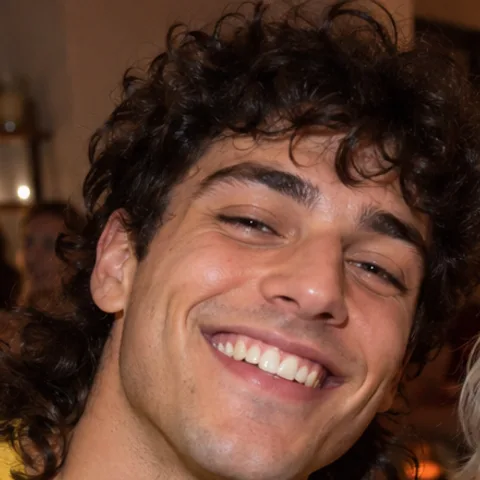
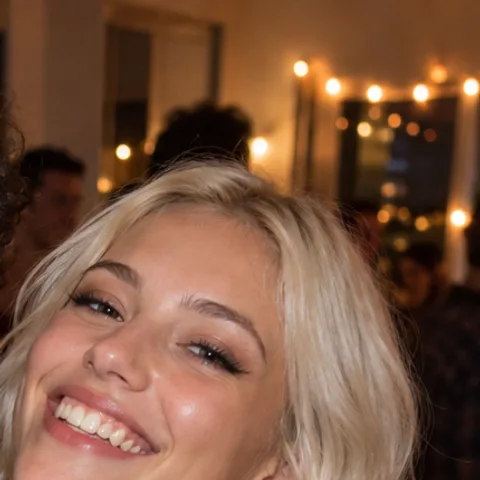
Roommates from one group photo
Inputs: one apartment party photo with two crop frames. Settings: Hotel Lobby, HD, 8 seconds, 9:16, lead on the right.
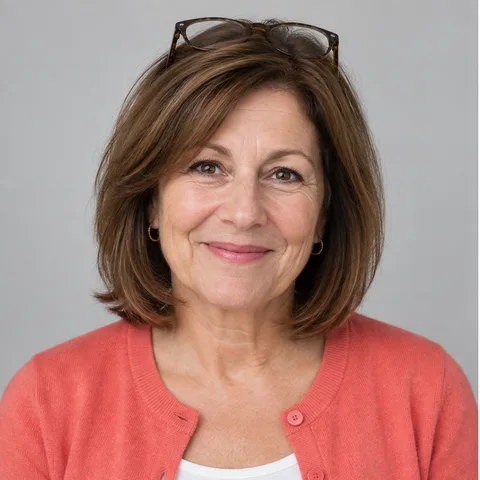
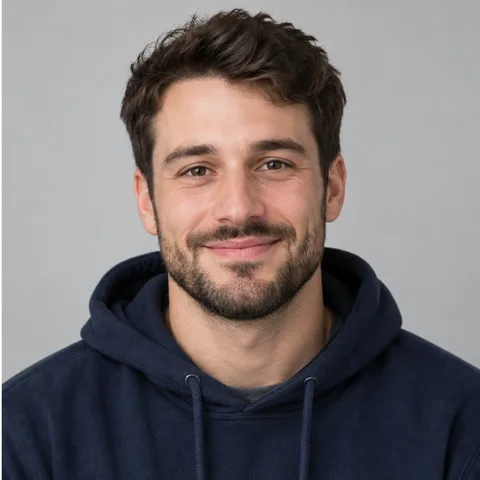
Mom and son
Inputs: two portraits. Settings: Hotel Lobby, HD, 10 seconds, 9:16, lyrics topic "mom's Sunday cooking".
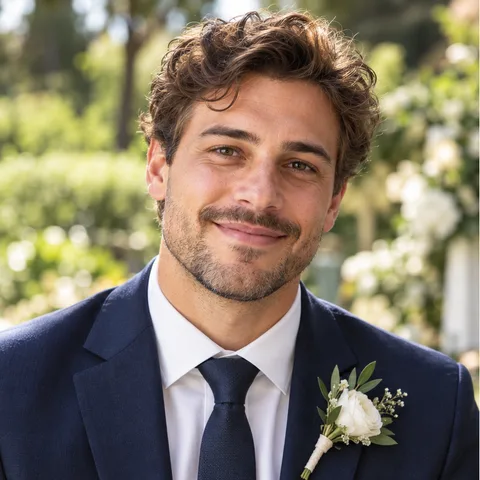
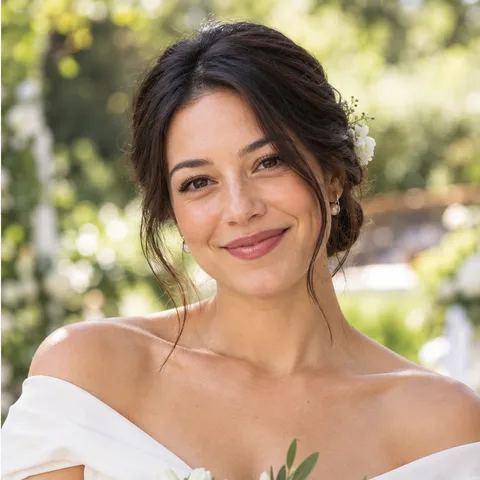
Anniversary couple
Inputs: two wedding photos. Settings: Hotel Lobby, HD, 10 seconds, 1:1, background taken from the lead's photo.
How to make a Hotel Lobby AI video
You need two faces and a phone or computer browser. The render itself takes about 5–10 minutes.
Pick your duo
Decide who leads the verse. Upload two front-facing photos, or one group photo where both faces are clear and not too small.
Keep the trend look
Leave the mode on Hotel Lobby for the orange studio and hanging mic. Choose 9:16 for TikTok or Reels, and 8 or 10 seconds for a quick clip.
Check it, then render
Make a free booth photo to check faces and framing. If it looks right, generate the video and download the MP4 from My Videos.
Why do the trend with MigosAI
Plan your performance
The trend look, set up for you
Hotel Lobby mode places both people in the orange studio with the hanging mic. There is nothing to cut, mask or composite.
Face swap from one group photo
No solo photo of your friend? Drag two crop frames over one group shot and each face becomes a performer.
Choose who leads
The lead gets the closest lip sync, so give that spot to the person who should carry the verse. Put them on the left or the right.
Lyrics about your people
Add a lyrics topic, plus a short note for each performer, and the rap is written around your idea instead of a generic verse.
Finish your video
Preview before you pay
Each account gets 3 free booth photos: a still of your duo in the studio, so you can fix a bad crop before spending credits. A failed booth photo doesn't count.
Shapes for every app
9:16 for TikTok and Reels, 1:1 for feed posts, 16:9 for YouTube. All three cost the same.
A clear price, a fair refund
The credit cost shows before you render. If a render fails, the credits are refunded automatically.
Short-lived uploads
Uploaded photos are deleted after 24 hours. Your videos stay in My Videos for 30 days.
Hotel Lobby video ideas
Best friends or a couple
The classic version. Two selfies, a lyrics topic from your group chat, and you have a clip to post the same evening.
Your own audio, coming soon
Coming soon: switch to Your own audio, upload an MP3 or WAV, and both people perform your clip: a voice note, a toast, or your own verse. Today the booth writes an original rap from your lyrics topic.
A birthday from old photos
Pull two photos from the family album, set the topic to the birthday person's name, and send a 9:16 clip to the group chat.
Your footage, coming soon
Coming soon: choose Your own video and your duo follows the moves in your clip, which is handy for testing a music video idea. Today, the Hotel Lobby template sets up the scene for you.
Tips for a Hotel Lobby video that looks right
- Face the camera. Side profiles often come out distorted.
- Crop close in group photos. A face that fills only a tiny part of the frame gives weaker results.
- Skip harsh light, like a dark bar or a bright window behind someone.
- Put the more expressive person in the lead. Lip sync is strongest there, and the second performer may match the words less closely.
- Test on Standard, post on HD. Standard renders at up to 720p and HD at up to 1080p, with sharper detail for the version you share.
- Expect some variation. AI results differ between runs, and a retry costs credits unless the render failed.
Is Hotel Lobby AI free? What it costs
Booth photos are free, 3 per account. Videos cost credits based on quality and length: an 8-second Standard video is 8 credits and a 10-second HD video is 20 credits. Credit packs start at $9.90, never expire, and are paid by card through Waffo. Compare packs and plans
FAQ
Information checked September 30, 2026.
How do you do the AI Hotel Lobby trend?
To make a Hotel Lobby AI video, upload two photos of the people you want in the duet, keep Hotel Lobby mode on, and generate. The video takes about 5–10 minutes and downloads as an MP4.
Can I do the Hotel Lobby trend for free?
You can preview it for free: each account gets 3 booth photos showing your duo in the orange studio. The video itself costs credits, shows its exact cost before you render, and has no watermark.
Is there a Hotel Lobby AI app?
There is nothing to install. MigosAI works in mobile and desktop browsers, and you sign in with Google.
Is there a Hotel Lobby AI template?
Yes. Hotel Lobby mode is the template: it sets up the orange studio, the hanging mic and the two-person framing, and you only add the faces.
Do I need a prompt for the Hotel Lobby trend?
No. Hotel Lobby mode has the scene built in, so you only add two faces. To steer it, add an optional lyrics topic and a short note for each performer.
When did the Hotel Lobby trend start?
It went viral in late September 2026, when people started dropping friends and family into the orange-studio rap duet.
Will my video sound like the original song?
No, on purpose. The rap is written fresh by AI. The original recording is not used, and no artist's voice is cloned.
Can I swap faces in from a group photo?
Yes. Turn on "Use one group photo" and drag one crop frame over each face. Crop tightly, because a face that is tiny in the original gives weaker results.
Why does the second person's lip sync look weaker?
Lip sync is strongest for the lead. The second performer moves and reacts but may follow the words less closely, so put whoever carries the verse in the lead.
What format should I pick for TikTok or Reels?
Pick 9:16. The 1:1 and 16:9 formats cost the same, and every format comes in 5, 8 or 10 seconds.
Can I use someone's photo without asking?
No. You need permission from both people in the photos, and that includes friends and family.
Keep going
Migos AI video generator
The main page, with every mode explained and more examples.
Pricing
Credit costs by quality and length, plus packs and monthly plans.
Best Migos AI video generators
How the tools that make this trend compare on free tiers and price.
Make a Hotel Lobby AI video
Two photos, one free booth preview, then a render of about 5–10 minutes.
Start with two photos3 free booth photos per account · Videos use credits