How to Do the Hotel Lobby Trend With AI: Step-by-Step (2026)
Summary: To do the Hotel Lobby trend, upload two portraits or one group photo to MigosAI, check a free booth photo, pick 9:16 and a length, then generate a rap duet video and post it to TikTok or Reels. That is how to do the Hotel Lobby trend with AI in five steps: the video is ready in about 5-10 minutes and a Standard 10-second video costs 10 credits.
Information checked 2026-10-03 by the MigosAI Team. We make MigosAI, so this guide uses our tool and lists its limits as plainly as its features.
What is the Hotel Lobby trend?
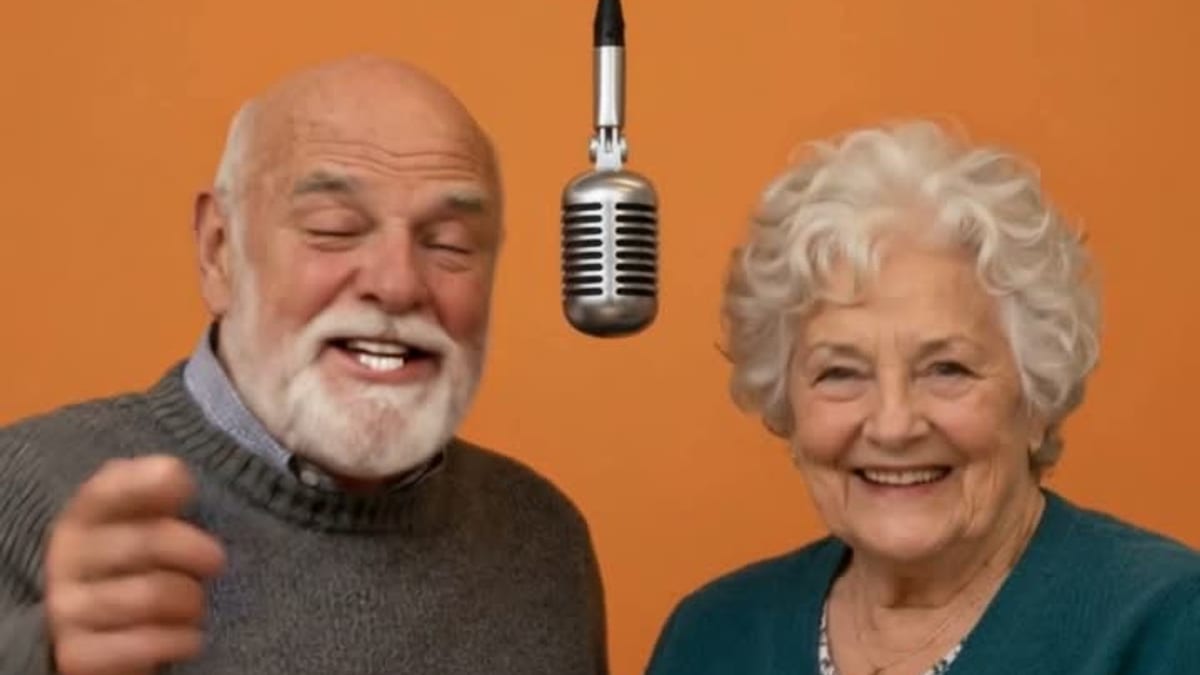
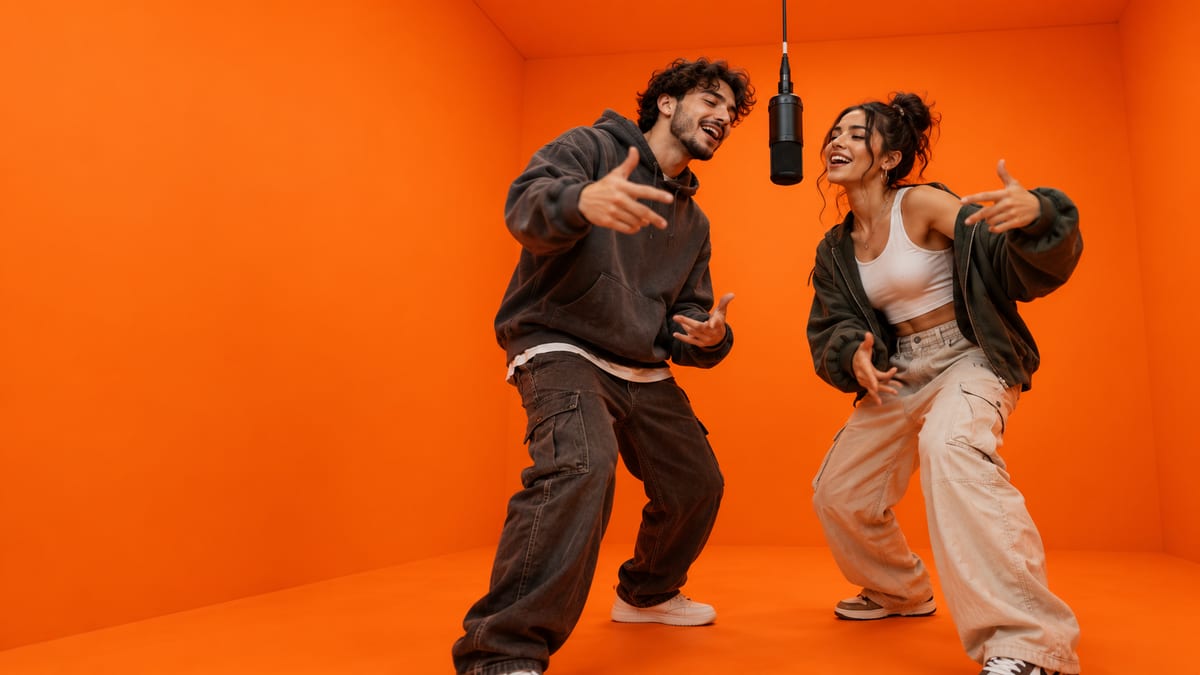
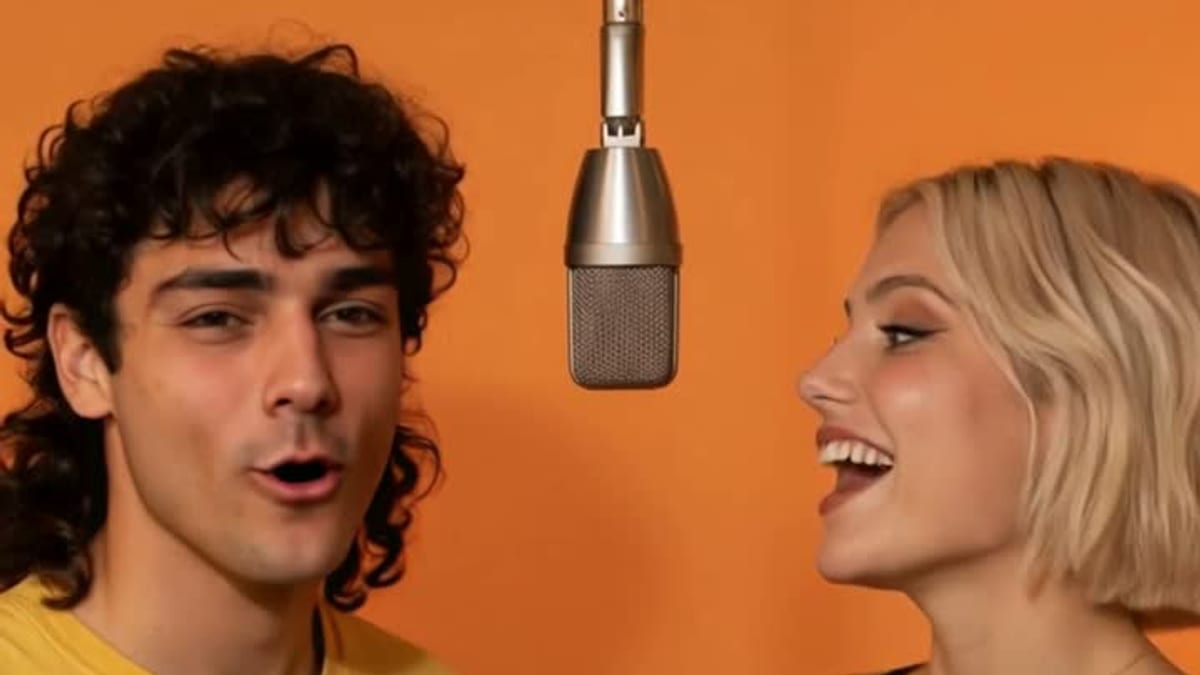
The Hotel Lobby trend is a video meme that puts two people, usually friends, couples or family, into an orange studio as a rap duo performing under a hanging microphone. It is also called the Hotel Lobby AI trend, Migos AI or the AI rap duo trend. The look nods to Quavo and Takeoff's "Hotel Lobby" performance on A COLORS SHOW.
The trend blew up in late September 2026 and spread across TikTok, Instagram Reels, X and Reddit. In Google Trends data we checked on 2026-10-03, searches for "hotel lobby trend" first appear on 2026-09-19 and peak on 2026-09-25.
MigosAI is an independent tool and is not affiliated with Migos, Quavo, Takeoff, Offset or COLORS. Its orange-studio scene is an original setup inspired by the trend, and the rap in every video is original AI audio, not the "Hotel Lobby" recording.
What you need before you start
You need two faces, a phone or computer browser and a free MigosAI account, made with Google or an email address. There is nothing to install.
- Photos: two front-facing portraits, or one group photo where both faces are clear. JPG, PNG or WebP, up to 10 MB each.
- Permission: both people must agree to appear in the video, friends and family included.
- Credits for the video: each account gets 3 free booth photos, but the video itself uses credits. The smallest purchase is the Duo Pack at $9.90 for 40 credits.
How to do the Hotel Lobby trend, step by step
Open the studio on our Hotel Lobby AI page and follow these five steps. Each one names the control you will see.
Step 1: Choose your duo and who leads
Decide who carries the verse. The Lead performer slot leads the verse and gets the closest lip sync; the Second performer backs up the lead with ad-libs and gestures and may follow the words less closely. Put the more expressive person in the lead.
Step 2: Upload two photos, or one group photo
Under Two photos, drop one portrait into each slot. MigosAI checks each photo for a face, and a photo with more than one face is turned away with a prompt to use Group photo instead.
No solo photo of your friend? Switch to Group photo, upload one picture with both people, and drag a frame over each face. Frame 1 is the lead. If a face is tiny in the photo, crop tighter or use a separate portrait.
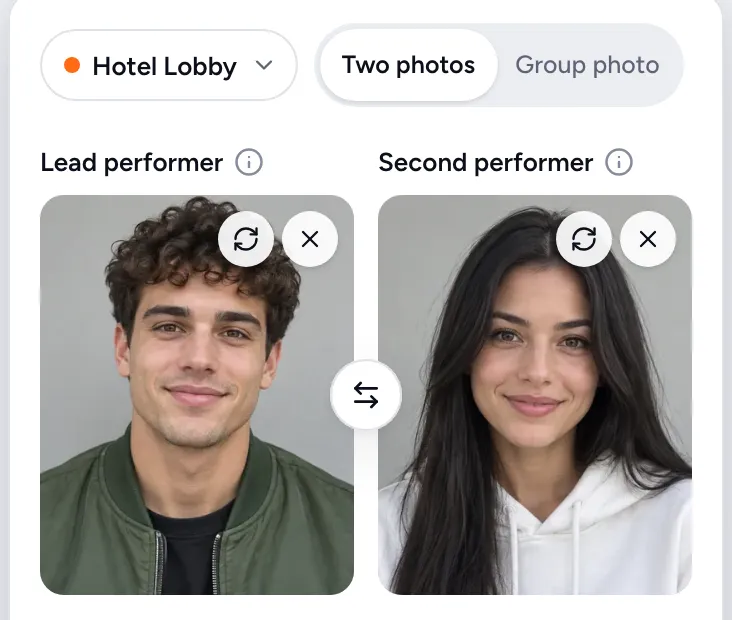
Two portraits uploaded. The first slot is the lead performer.
Step 3: Pick the settings
Keep the mode on Hotel Lobby for the orange studio and hanging mic. Then set three things:
- Quality: Standard (up to 720p, good for quick tests) or HD (up to 1080p, made for posting).
- Length: 5, 8 or 10 seconds. Standard uses 1 credit per second and HD uses 2.
- Format: 9:16 Vertical for TikTok and Reels, 1:1 Square for feed posts, or 16:9 Wide for YouTube. All three cost the same.
Below the format, add an optional Lyrics topic (under 80 characters) and the AI writes an original verse around it. Under More, you can put the lead on the left or the right, keep the orange studio or use the lead's photo as the background, and add a short note for each performer, such as "confident, points at the camera".
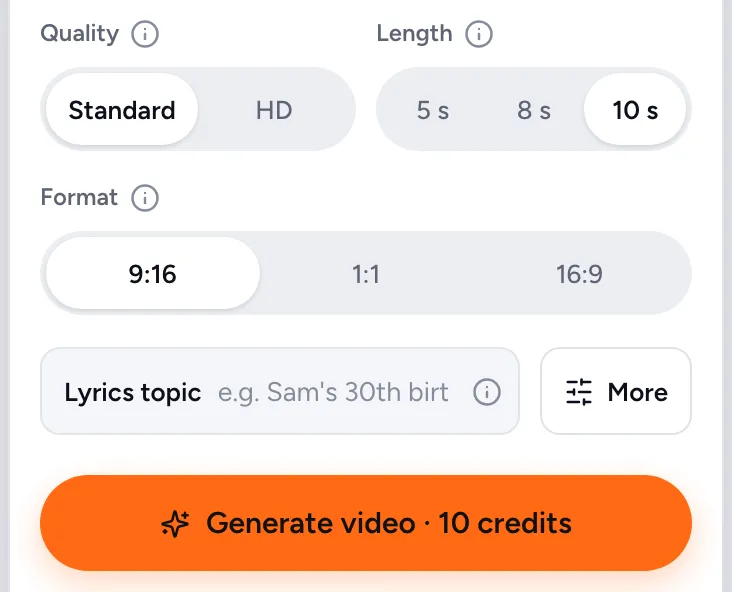
Standard, 10 s and 9:16 are the defaults, and the button shows the credit cost before you generate.
Step 4: Check both faces with a free booth photo
Tap Try a free preview first to get a booth photo: a still of your duo in the studio, framed the way the video will be. Each account gets 3, and a failed booth photo does not use one. If a crop looks off, adjust the photos and try again before you spend any credits.
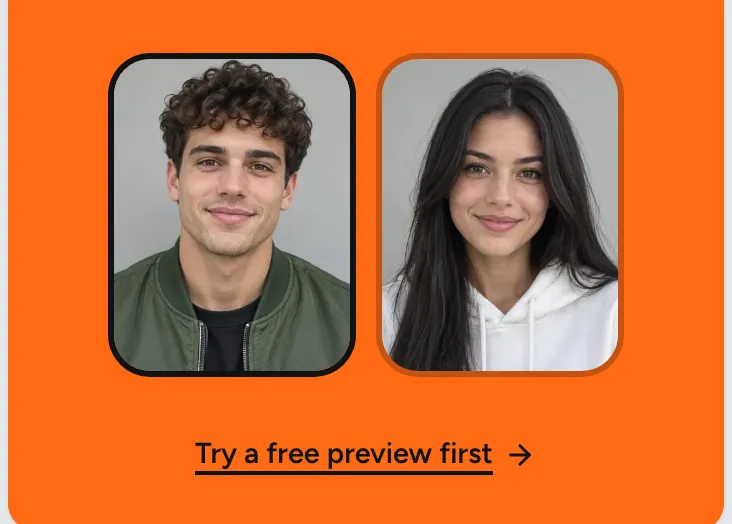
The free booth photo comes before any credits are spent.
Step 5: Generate, download and post
Tap Generate video. The button shows the cost first, for example 10 credits for Standard at 10 seconds. The video usually takes about 5-10 minutes, and when it is ready it also appears in My Videos.
When it is ready, tap Download MP4. Paid videos have no watermark, and they stay in My Videos for 30 days. Post the 9:16 version to TikTok or Reels and tag the person you rapped with.
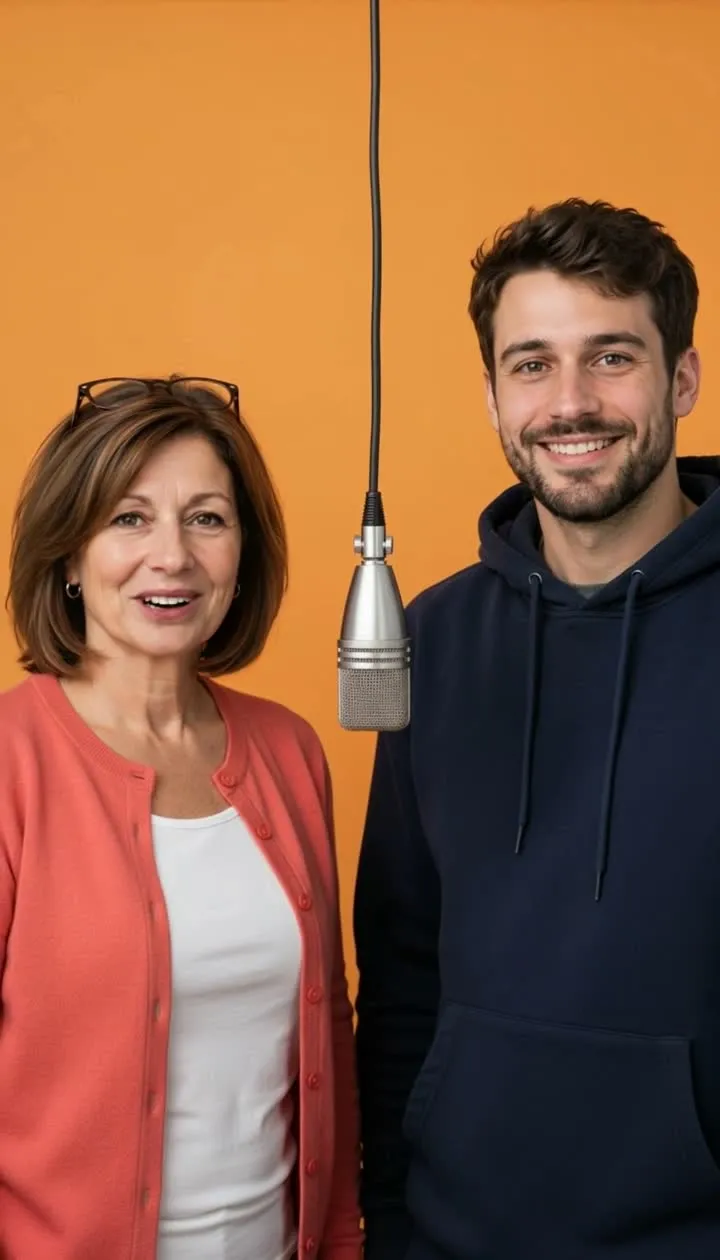
A frame from one of our example videos: HD, 10 seconds, 9:16, lyrics topic "mom's Sunday cooking". Both performers are AI-generated people.
If a video fails, the credits go back to your balance automatically. A finished video that you simply do not like is not refunded, which is why the free booth photo comes first.
Photo tips for a Hotel Lobby AI video that looks right
Good input photos matter more than any setting. These tips come from how the studio handles faces:
- Face the camera. Side profiles often come out distorted.
- Use even light. Skip a dark bar or a bright window behind someone.
- Crop close in group photos. A face that fills only a tiny part of the frame gives weaker results.
- One face per portrait. In Two photos mode, a portrait with two faces is turned away.
- Test on Standard, post on HD. HD is sharper for the version you share, and costs twice as much.
- Expect some variation. AI results differ between runs, and a retry costs credits unless the video failed.
Rap topic ideas that make the video funnier
A specific lyrics topic beats a generic verse, because the AI writes the rap around it. Keep it under 80 characters and name real details:
- Birthday: "Sam's 30th birthday and his terrible dance moves"
- Graduation: "Maya finally graduating after six years of nursing school"
- Wedding or anniversary: "Ten years married and still fighting over the thermostat"
- Roasting a friend: "Jordan is always 40 minutes late"
- Family: "Mom's Sunday cooking" or "road trips with dad"
- Work: "Monday meetings that should have been an email"
Pair the topic with a note for each performer, such as "rolls his eyes" or "hypes up the lead", to steer how they act.
Other ways to do the Hotel Lobby trend
You can also do the trend with other template tools, or with CapCut's Dreamina by writing your own prompt and adding your own audio. Some keep the original song, which MigosAI does not. We compared 11 tools on photos, free allowance and the price of one video in our Hotel Lobby AI comparison. If you want to spend as little as possible, read whether Hotel Lobby AI is free.
Frequently asked questions
What is the hotel lobby trend?
It is a video meme that turns two people into a rap duo performing in an orange studio under a hanging mic, styled after Quavo and Takeoff's "Hotel Lobby" on A COLORS SHOW. It went viral in late September 2026.
Is the Hotel Lobby trend free to do?
You can preview it free: MigosAI gives each account 3 booth photos. The video costs credits, from 5 credits for Standard at 5 seconds; the $9.90 Duo Pack has 40 credits, enough for four Standard 10-second videos.
Can I use one group photo?
Yes. Switch to Group photo and drag one frame over each face. Frame 1 is the lead. Crop tightly, because a tiny face gives weaker results.
Does it use the real Hotel Lobby song?
No. MigosAI writes an original AI rap for every video and does not use the original recording or clone any artist's voice. Using your own audio is coming soon. If you need the original song, see our comparison for tools that keep it.
How long does it take?
About 5-10 minutes once you tap Generate video. When it is ready, it is also saved in My Videos for 30 days.
Do I need permission to use a friend's photo?
Yes. You need permission from both people in the photos, friends and family included. When you create a video, you confirm you have permission to use both photos.